Payments, fiscal and Dishup.pay

Let guests paywithout slowing service.

Dishup.pay keeps the bill, payment methods, fiscal documents and service closeout in one flow, even when the venue is busy.

  • Dishup.pay for the bill
  • Split bills and mixed methods
  • Receipts, invoices and history

The bill should not stop service.

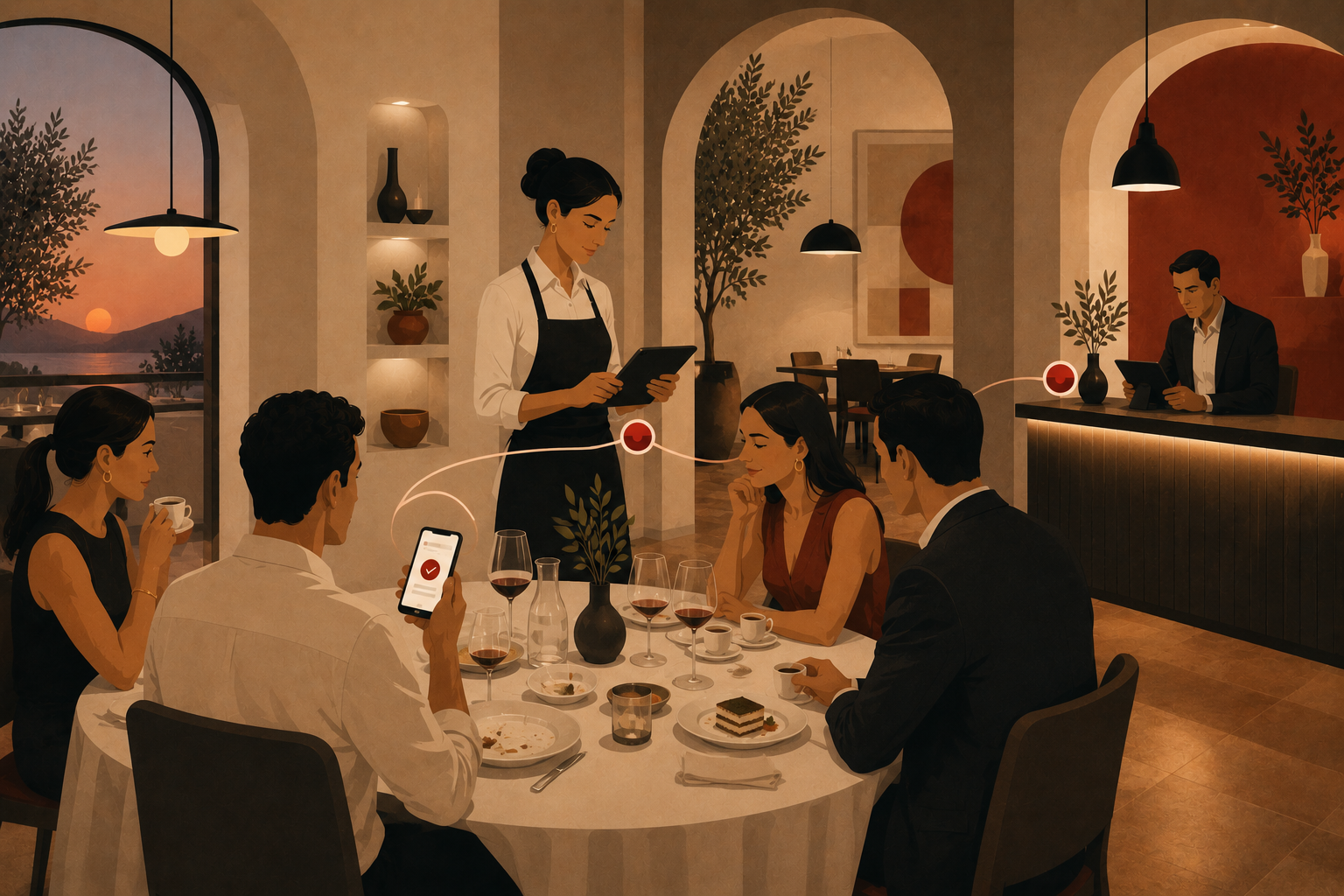
During busy periods, new tables arrive while others split the bill or pay with different methods.

Dishup.pay keeps the total, payments and remaining balance in one flow, so staff can immediately see what still needs to be closed.

Dishup.pay

Payment stays connected to the bill.

Staff see the order, total, payments and remaining balance in one place. What was ordered, what was paid and what still needs to close remain clear.

  1. 01Dishup.paybrings payment into service instead of a separate tool.
  2. 02Mixed methodsto manage cash, card, QR and partial payments on the same table.
  3. 03Fiscal flowsto connect payment, receipt, invoice and history when configured.
Book a demo
deep-pagamenti-fiscalita-dishup-pay
At payment

Fewer steps when closing the bill.

Dishup.pay helps staff close the bill without jumping between disconnected tools.

01

Always updated bill

The total follows table, counter and takeaway: staff see what remains to collect.

02

Dishup.pay

Payment follows the same workflow as the order, bill and service closeout.

03

Faster split bill

Split the bill between people and methods without manual recalculation.

04

Cash, card and QR

Manage different methods on the same bill with the remaining balance always clear.

05

Receipts and invoices

When configured, the flow connects payment, fiscal documents and service history.

  • It is the Dishup workflow for the bill: total, payments, methods, remaining balance, fiscal documents and closeout stay connected.
  • Yes. Staff can manage multiple payments without rebuilding the total by hand.
  • Yes. One bill can be settled with different methods while the remaining balance stays visible.
  • The flow can connect receipts, invoices and archive when fiscal integrations are configured.
  • No. Start from the flow that matters most: QR, card, cash, readers or dedicated hardware come in when they are truly useful.
Dishup.pay demo

See how your venue handles the bill.

We start from tables, counter, takeaway, payment methods and fiscal needs to show the most suitable workflow.

A demo built around your serviceGradual rolloutClear next steps