Food halls and multi-counter formats

Multiple counters,one simpler guest journey.

Dishup coordinates menus, orders, payments and pickup across multiple counters, keeping each operating point clear.

  • Counters and channels kept organized
  • Pickup points that are easy to follow
  • Connected payments and guest credit
Multi-counter

Separate workflows, shared control.

Each counter manages its own workflow while management and guests retain a simpler overall view.

01

Multiple counters

Each operating point can have dedicated products, states and flows.

02

Pickup point

Clearer handoff when orders come from different areas.

03

Connected payments

Card, QR, readers, wallets or Dishup.pay follow the chosen model.

04

OrderUp

Ready orders become visible without constant calls.

05

Area reports

Data and history help read counters, channels and peaks.

Multi-counter format

One order can set four different counters in motion.

Pizza, burgers, drinks and desserts have their own stations and timings. Dishup keeps each counter's work separate while payment, progress and pickup stay connected.
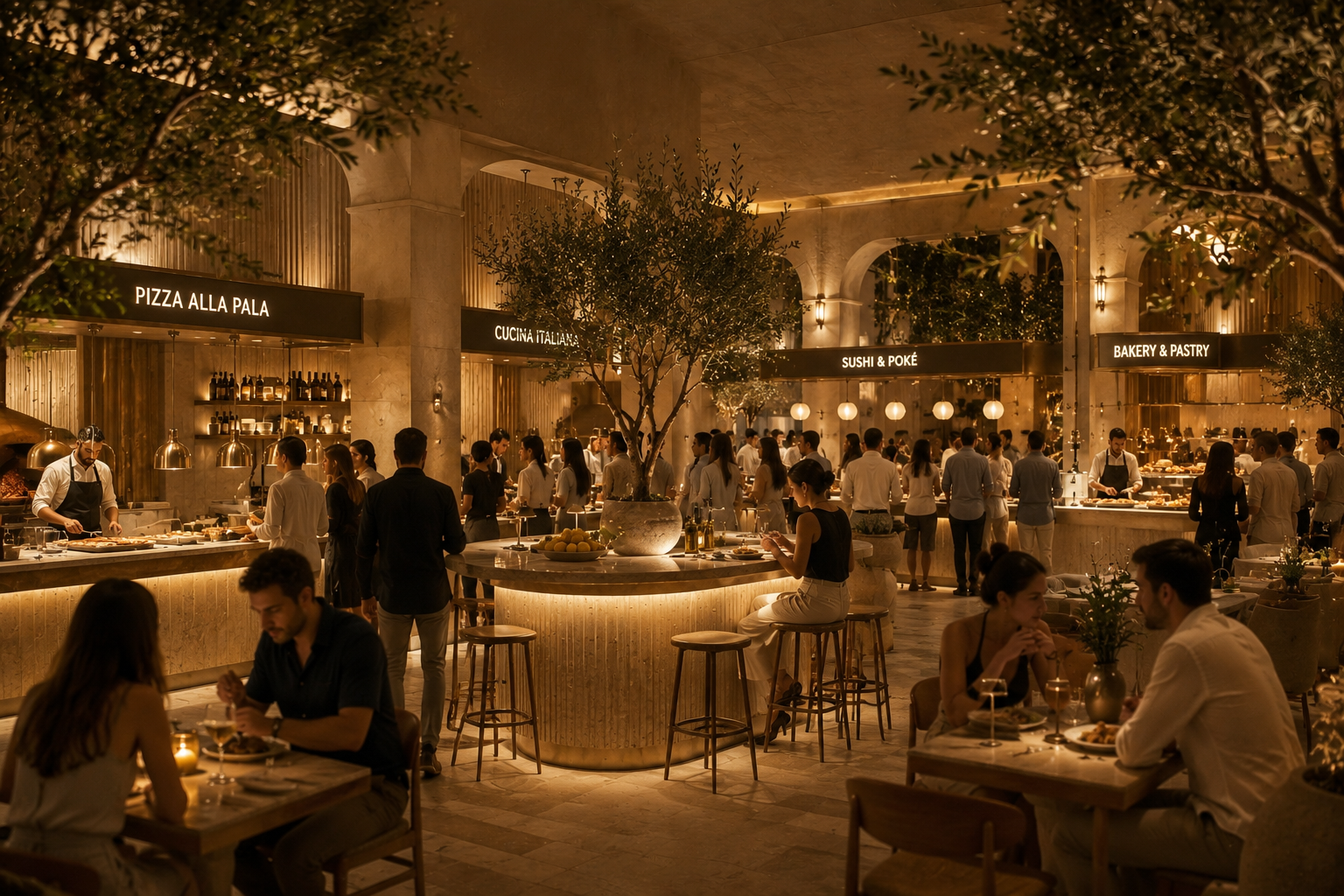
  1. 01Countersreceive the preparations they own, with clear options and notes even when an order spans several vendors.
  2. 02Pickupcoordinates products ready at different times and shows guests where to collect without returning to every counter.
  3. 03Managementcompares volume, takings and bottlenecks by counter without rebuilding separate reports.
Book a demo
food-hall-format-multi-banco
Multi-counter demo

Map the workflow of your format.

We start from counters, menus, payments, pickup and data to identify what should stay separate and what should connect.

A demo built around your serviceGradual rolloutClear next steps
  • Yes. Setup can separate catalogs, channels and flows where needed.
  • Yes. Pickup points make handoff readable even across multiple areas.
  • Yes, when it fits the format. Credit remains tied to the venue that issues it.
  • No. You can start from one counter or pilot flow and expand.

Each counter runs its workflow. Guests experience one venue.

In a food hall or market, adding counters should not mean adding queues, tills and instructions for guests.

Dishup separates the work of each operating point while keeping orders, payments, pickup and data connected.